 psst
Private messages and calls. Just for your people.
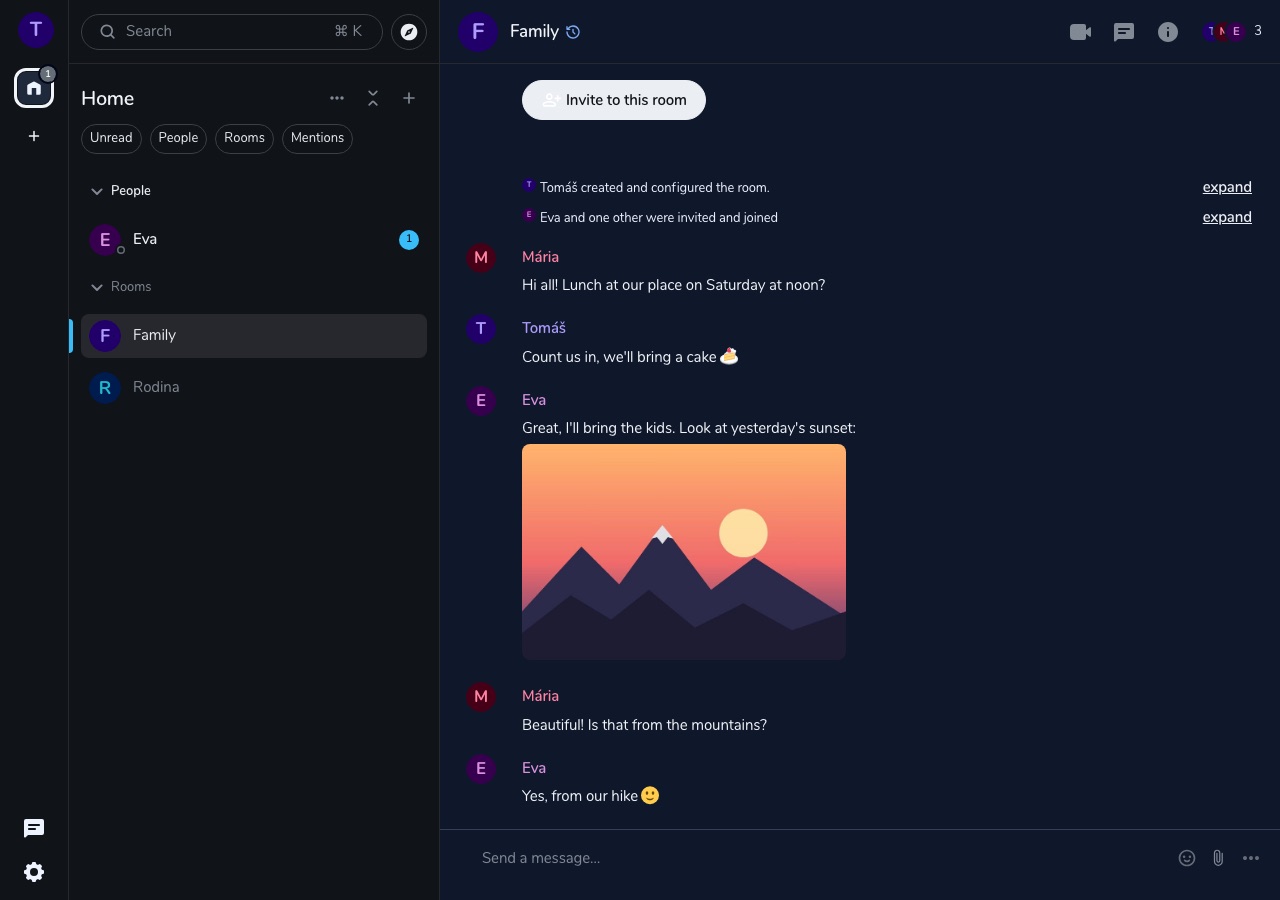
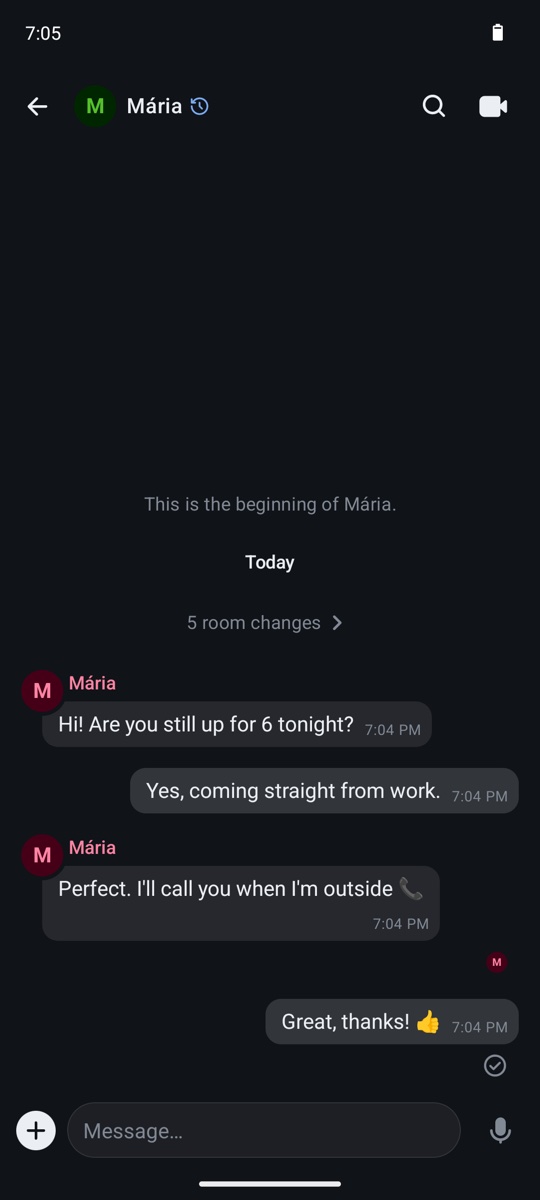
psst is a messenger for family, friends and small teams. What you write, send and say is encrypted between your devices – the server can't read it.
What psst does
Everything you expect from a messenger, without ads and without someone else's cloud holding your messages.
Encrypted messages
A message is encrypted on your device. Only you and the person you write to can read it.
Voice and video calls
Call one person or a whole group. Calls are encrypted between devices too.
Groups
Family, friends, colleagues – each with their own conversation, with replies, reactions and mentions.
Files and photos
Send a photo, video, document or voice message. Encrypted, just like text.
Our own server
Messages and files are stored on our own server, not in another company's cloud.
Invitation only
Only people invited by the administrator can create an account. Strangers can't sign up on their own.